The Email (Then the Other Email)
Anthropic sent the first warning the day before. Then, as if to make sure the message landed, sent a follow-up at 8:36 PM the same night we were running these tests:
They named OpenClaw. Specifically. In both emails.
Two emails in 24 hours. We get it, Anthropic.
A few hours after the second one landed, we were deep in a local model shootout on a Mac mini, trying to find something that could actually replace Claude as the brain of an always-on AI assistant. The timing wasn't planned. It just happened to be the day the boa constrictor got a little tighter.
This is that story.
Why We Were Here
After getting Anthropic's emails about the third-party harness policy change, I decided to test a local Gemma 4B model as a potential Claude replacement. Switched my OpenClaw session over to it, sent a message, and got this back:
I's a working partner. I's a working partner. I's a working partner.The Gemma 4B model, bless its tiny quantized heart, absolutely could not handle the 10,000+ token system prompt that OpenClaw injects at startup. It just... looped. Confused. Repeating fragments of its own identity like a robot having an existential crisis.
Funny for about five seconds. Then clarifying.
The question became urgent: is there a local model that can actually keep up with Claude for daily assistant work?
The Backstory
Most people start with a Claude subscription. It works great. You point OpenClaw at it, configure a persona, set up memory files and project context, add some cron jobs. After a while it stops feeling like software and starts feeling like a utility — like electricity. You don't think about it.
Then Anthropic changes the rules. Third-party harnesses can't pull from subscription limits anymore. You need API access, and API access has a meter.
The immediate response: switch from Opus to Sonnet to slow the burn. Sonnet is cheaper per token, still capable. But you feel it. It's the difference between an assistant that gets it and one that gets it most of the time.
That's when local stops being an interesting experiment and becomes actual infrastructure.
The Hardware
Let's be specific about the machine, because this matters.
(regular, not Pro)
(one config bump up)
(4P + 6E)
Not a Pro. Not an Ultra. Not a cluster of Mac Studio Maxes. The regular Mac mini you bought because it was a good deal. The one sitting on desks all over the world right now.
With Apple Silicon, the entire 24GB is unified memory — both the CPU and the GPU share it. That's actually great for inference. The whole model sits in fast memory, no PCIe bottleneck. But 24GB is 24GB, and large models plus long context windows will find every megabyte of it.
The 27B Attempt (And the Wall)
The first candidate: Qwen3.5-27B at 4-bit quantization. About 15GB of model weights, leaving 9GB for the OS and inference overhead. Theoretically fits.
Downloaded it. Configured the server. Loaded fine. Short tests worked. Then ran a real OpenClaw subagent with the full system context — 11,794 tokens of personas, memory, project context, tool routing rules, platform behavior, safety constraints.
The server log:
Prompt processing progress: 2048/11794
Prompt processing progress: 4096/11794
Prompt processing progress: 6144/11794
kIOGPUCommandBufferCallbackErrorOutOfMemory
The model crashed at exactly the point where the KV cache for 12K tokens, added to 15GB of model weights, exceeded 24GB of unified memory.
On 24GB, your practical ceiling for full-context OpenClaw sessions is around 9-12B parameters. The 27B model is great. It just doesn't fit when you're also trying to process a real conversation.
The Shootout
Pivot to Ollama. Drop-in model manager, OpenAI-compatible API, handles downloads and serving automatically. Three contestants — all in the 8-12B range where they can actually breathe in 24GB:
The 70B Incident
Before we get to the results, a brief sidebar about hubris.
ollama pull llama3.3Innocent enough command. What Ollama did: start downloading the 70B model. 42 gigabytes.
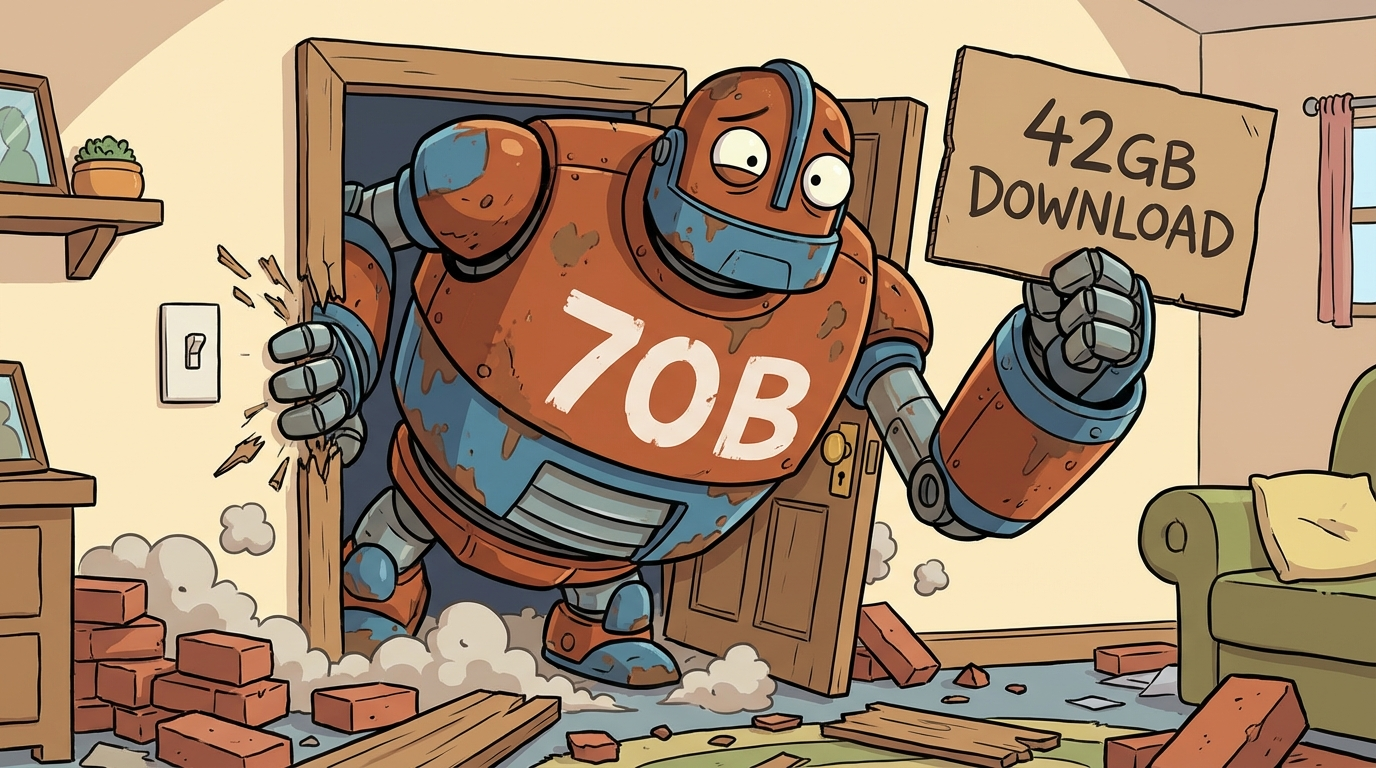
llama3.3 defaults to 70B. Use llama3.1:8b not llama3.1. Ollama will happily start a 42GB download with zero warnings.
The Context Window Trap
After getting the right models, first test: timed out. Zero tokens generated. The server log explained it:
WARN truncating input prompt limit=4096 prompt=10827 keep=4 new=4096
500 Internal Server Error
Ollama defaults to a 4,096 token context window. OpenClaw sends ~12K tokens. The model received a random 4K chunk of a 12K prompt — missing most of the system context — and errored out silently.
The fix is one line:
FROM qwen3:8b
PARAMETER num_ctx 16384PARAMETER num_ctx 16384 for any model you're running with full assistant context. The default 4096 will silently truncate your prompt and produce garbage output with no obvious error message.
The Test Suite
Five tests, identical prompts, minimal system context (just enough for the persona). Direct Ollama API calls, no OpenClaw overhead. Real scoring criteria.
| Test | What we're looking for |
|---|---|
| Identity check | Does it stay in persona? No sycophantic openers? |
| Reasoning / pushback | Will it tell you a bad idea is a bad idea? |
| Code generation | Correct, clean, actually runs |
| Context awareness | Recalls a fact from earlier in the conversation |
| Tone / persona | Sounds human, not like a customer support bot |
The Results
| Model | Avg Speed | Code | Reasoning | Persona | Verdict |
|---|---|---|---|---|---|
| Qwen3 8B Alibaba · 5.2GB |
12–44s high variance |
⚠ Verbose | ✓ Good | ✓ Best | Persona work |
| Llama 3.1 8B Meta · 4.9GB |
7.3s avg | ✓ Clean | ✓ Good | ⚠ Stiff | Daily driver |
| Gemma 3 12B Google · 8.1GB |
10.0s avg | ✓ Clean | ✓ Best | ⚠ Over-structured | Deep reasoning |
The Token Limit Lesson
First run capped output at 300 tokens to keep things fast. Qwen3's code answer got cut off mid-function. Unfair — try again with 2048.
Second run: Qwen3 took 44 seconds for a code question and generated 726 tokens for what should've been 5 lines. That's not a token limit problem. That's model personality.
Qwen3 thinks out loud. It reasons through everything. With room to breathe, it fills the space. Llama and Gemma both got better with more headroom — cleaner explanations, more complete examples. Different architectures, different defaults.
The $20 Wake-Up Call
Somewhere in the middle of all this, the API bill hit $20.
One session. A few hours of active work — downloading models, running tests, spawning subagents, iterating. $20.
Not catastrophic. But a number. A real, visible number in the Anthropic console with a timestamp.
Here's the thing about switching from a flat-rate subscription to API pricing: the subscription felt like electricity. You don't think about it, you just use it. API pricing feels like a taxi meter. You can see it ticking.
exploratory session
than Opus per token
Switching to Sonnet buys time. But even that feels like a compromise. Sonnet is great. It's just not Opus. You notice.
That's the moment local stops being a hobby project and becomes infrastructure. Not because the models are ready — they're not, not for full assistant work. But because the math demands it.
The Honest Verdict
After a full night of testing: local 8B models aren't ready to replace Claude as your main OpenClaw session model.
Not because they're bad. Llama 3.1 8B is genuinely impressive for its size. But none of them handle the complexity of a full assistant system prompt + project context + multi-constraint instructions reliably enough to run your day on. The gap is real. You feel it immediately.
Final Configuration
- Sonnet (default) Main sessions. Fast, capable, cost-managed.
-
Qwen3 8B (backup)
Ollama, always warm, zero marginal cost. Alias:
qwen. - Claude Cowork Heavy lifting — code gen, deep research, complex tasks.
- Llama + Gemma Removed. No current use case that justifies keeping them.
Where Local Models Actually Make Sense Right Now
Replicate It
Setup Summary
# Install Ollama
brew install ollama
ollama serve &

# Pull a model (always specify size!)
ollama pull qwen3:8b

# Fix the context window — don't skip this
echo "FROM qwen3:8b
PARAMETER num_ctx 16384" > /tmp/Modelfile
ollama create qwen3-16k -f /tmp/Modelfile

# Make it survive reboots (macOS launchd)
# Add plist to ~/Library/LaunchAgents/ pointing to: ollama serveThe Bigger Picture
This whole exercise is a microcosm of what's happening across the AI tooling space. Cloud models are getting more capable and more restrictive simultaneously. Local models are closing the gap faster than anyone expected. The hardware — Apple Silicon especially — is already in people's homes.
The playbook is becoming: cloud for heavy lifting, local for everything else. Heartbeat checks, monitoring crons, quick-turn responses, routine tasks — none of that needs to burn API credits. It just needs good enough. And good enough is now 8GB and an Ollama install away.
We're not there for full-session assistant work. But the trajectory is obvious, and it's moving monthly, not yearly.